How to Create Trip Lists from Your Saved TikTok & Instagram Videos
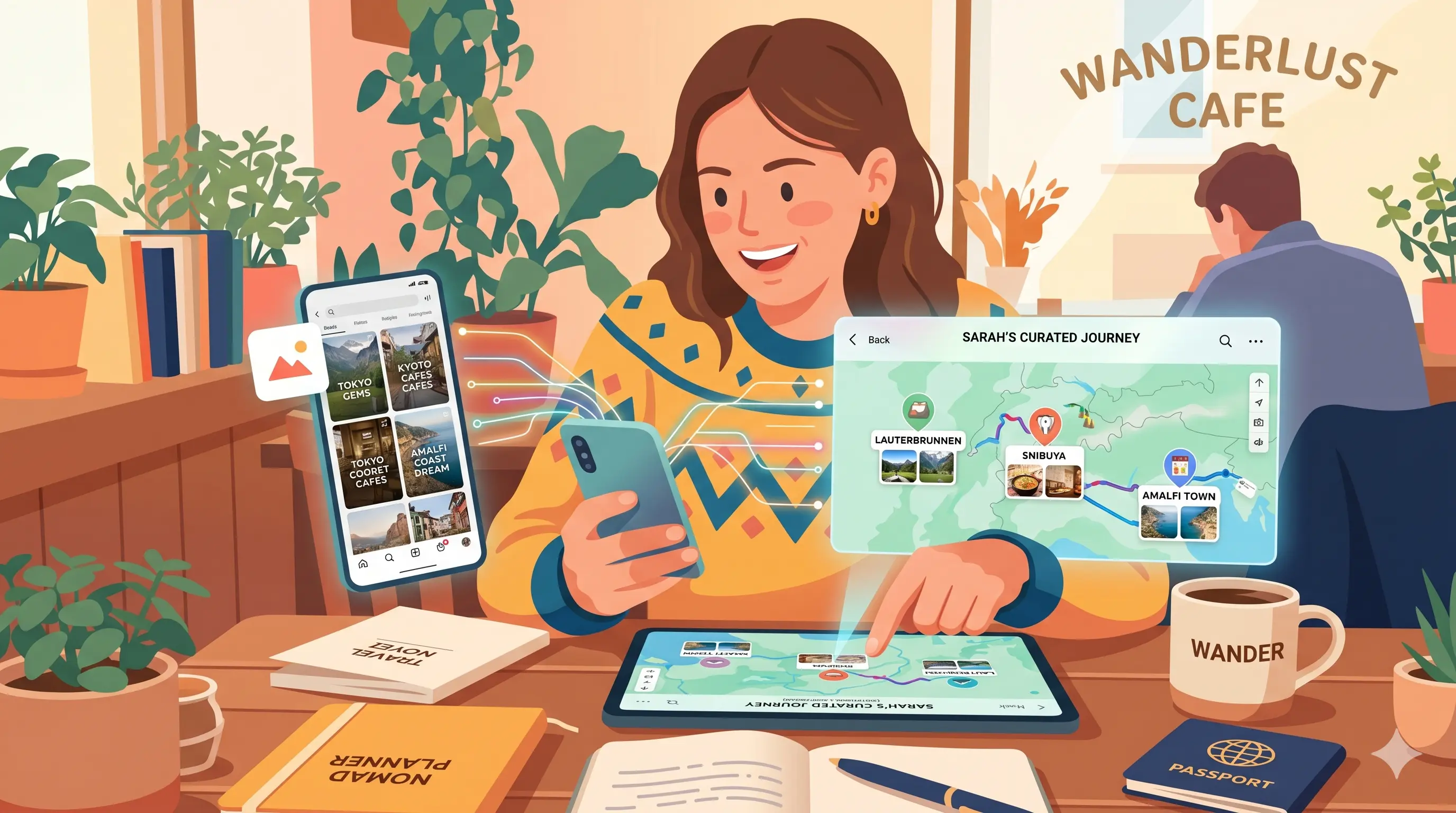
You have 50 saved travel TikToks. Zero trip plans.
Getting from a pile of saved videos to an actual organized trip list should be simple. Here's the fastest way to do it — and why most people get stuck.
Why saved videos don't become trip plans on their own
TikTok and Instagram aren't trip planning tools — they're content feeds. When you save a video, the platform stores the video. It doesn't know, and doesn't tell you, where the place actually is.
That's the gap. The video → location connection has to happen somewhere else. Most people try to bridge it manually: screenshot the caption, look it up on Google, copy it into Notes, try to remember which list they put it in. By the time they're actually planning the trip, most of those saved spots are gone.
The solution is a travel lists app built specifically for this problem.
Step 1: Create a list for each trip or destination
Before you start saving places, set up a list for the trip. Think of it like a folder — everything from your TikTok rabbit hole about Kyoto ryokans goes in "Kyoto 2026." Everything from that Tokyo ramen thread goes in "Tokyo — Ramen."
Good list names
- •Tokyo 2026
- •Paris — Cafés & Bakeries
- •Weekend in Lisbon
- •Someday: Southeast Asia
Naming by destination (not by category like "restaurants") keeps everything searchable by trip, which is how you'll actually use it when planning.
Step 2: Share videos directly from TikTok or Instagram
This is where TravelTreasure removes most of the friction. Instead of manually looking up each place, you share the video link directly to the app.
Find a travel video you want to save
On TikTok, Instagram, or YouTube
Tap the share button and choose TravelTreasure
Same share sheet you'd use to send it to a friend
TravelTreasure extracts the place automatically
Name, address, and map pin — no typing required
Choose which trip list to add it to
The place drops into your list and appears on the map
The original video link stays attached to the place — so when you're actually in Tokyo and wondering why you saved a specific ramen shop, you can watch the video again right there.
Step 3: Use the map view to turn a list into a plan
A list of place names doesn't tell you much. A map of those places tells you everything.
Once your places are saved, switch to the map view. You'll immediately see:
- •Which spots are clustered together (same-day itinerary)
- •Which ones are far apart (different days, different areas)
- •Which neighborhood you should stay in
- •Whether you've oversaved in one area and missed another
This is the step where a trip list becomes a trip plan. The map does the heavy lifting.
Step 4: Share your list (optional)
If you're traveling with someone — or just want to share what you've found — TravelTreasure lists are shareable with a link. The recipient gets the full mapped list without needing an account.
It's a better way to share "places I want to eat in Barcelona" than sending a wall of Instagram links to someone.
The full workflow at a glance
| What you're doing | Old way | With TravelTreasure |
|---|---|---|
| Save a place from TikTok | Screenshot + manual search | Share link → auto-extracted |
| Organize by trip | Notes folder or Google Doc | Named trip lists in the app |
| Visualize places geographically | Manually pin each one to Google Maps | Auto-mapped as you save |
| Share with a travel companion | Forward a list of links | Share a single mapped link |
One thing worth keeping in mind
Not every video needs to be saved. The value of a trip list drops the more indiscriminate you are about what goes in it.
Save the places you'd be genuinely disappointed to miss. A focused list of 15 places is more useful than a bloated list of 80 that you'll never actually read through.
Once you're in the habit of saving with intention, the trip list becomes the most useful thing you bring on the trip.
Planning a future trip?
Save travel spots to your account and access them from any device — desktop or mobile.
Create a free account →Frequently Asked Questions
- What is the best app for creating trip lists from saved travel content?
- TravelTreasure is designed specifically for organizing travel recommendations from TikTok, Instagram Reels, and YouTube videos into mapped trip lists.
- How do I turn saved TikToks into a trip plan?
- Create a destination list in TravelTreasure, then share TikTok videos directly to the app. The app extracts the place name, location, and map pin automatically so your saved videos become an organized trip plan.
- Can I share trip lists with friends?
- Yes. Every trip list can be shared with a simple link, and anyone can view the list and map without needing an account.
- Does TravelTreasure work with YouTube travel videos?
- Yes. TravelTreasure supports TikTok, Instagram Reels, YouTube Shorts, and standard YouTube travel videos.
- Can I organize Instagram travel saves into a map?
- Yes. Share Instagram Reels to TravelTreasure and the app automatically adds the place to your trip list with a map location and saved source.